Table of Contents
Our context management guide covers the configuration side — what to set and why. This article is about what happens when things go wrong despite the configuration, and how to diagnose the problem using the tools OpenClaw gives you.
The scenarios below are based on real debugging sessions documented by experienced OpenClaw users, including source code analysis and actual session log data. The numbers aren't hypothetical.
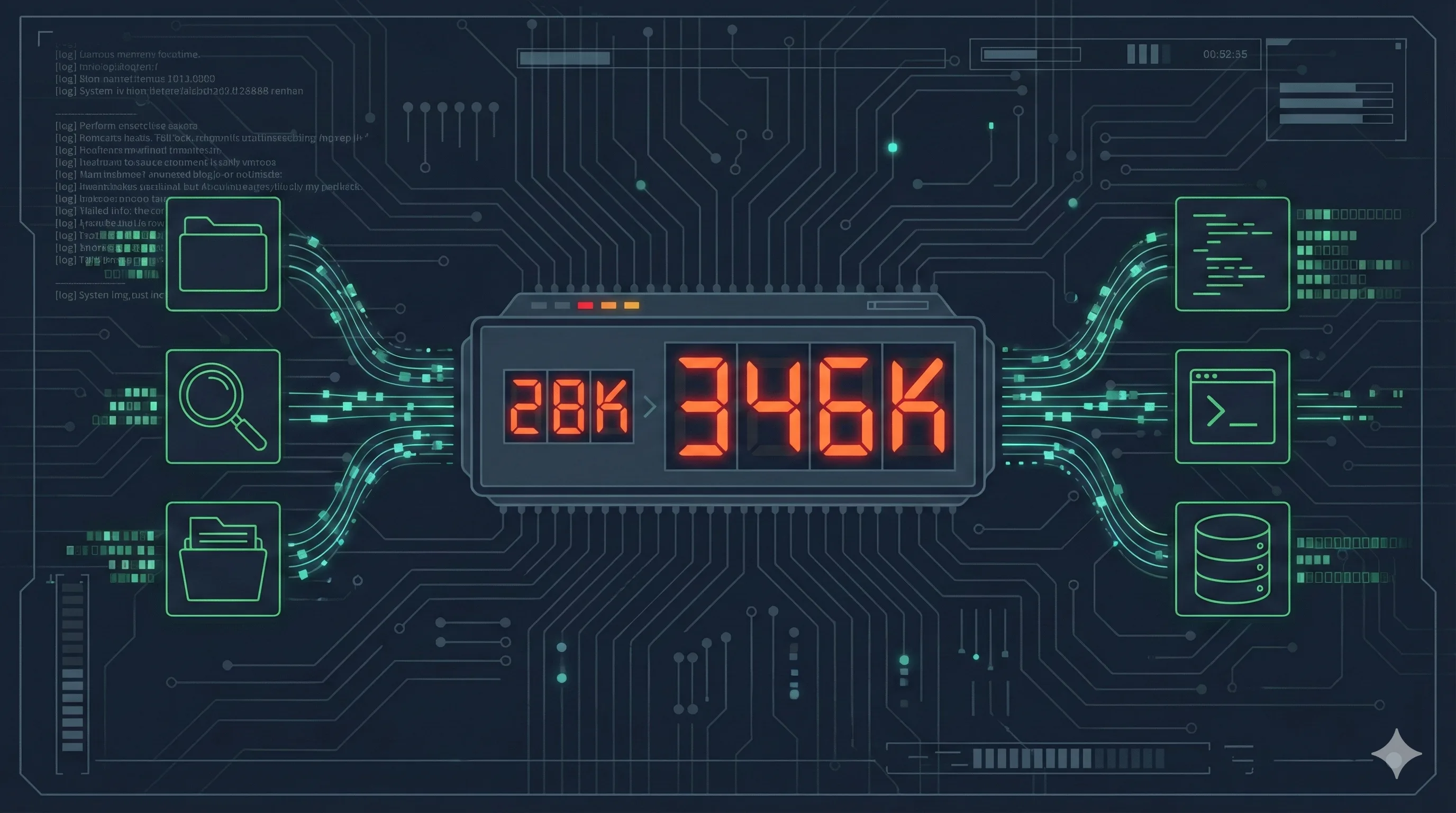
The 346K Mystery
The setup: an OpenClaw instance with historyLimit set to 2 (keeping only the last two conversation turns). The user asks a simple factual question about something mentioned three messages ago — outside the history window.
The agent answers correctly. Impressive, right? Except the usage tracker shows 346,000 input tokens for that single response. The same question, asked when the information was within the history window, cost 28,000 tokens.
That's a 12.4x cost multiplier for the same answer.
The agent didn't hallucinate. It didn't fail. It found the answer — but the way it found it was catastrophically expensive. Understanding why requires looking at what the agent actually did behind the scenes.
Reading Session Logs
OpenClaw records every interaction in .jsonl session logs. Each line is a JSON object representing one event: a user message, an assistant response, a tool call, or a tool result.
To enable usage tracking, make sure your configuration includes usage monitoring. The key fields to look for in each log entry:
| Field | What It Tells You |
|---|---|
type: "tool_call" | The agent invoked a tool (memory_search, grep, find, read, exec, write) |
name | Which tool was called |
arguments | What the agent searched for or executed |
input_tokens | Cumulative input tokens at this point in the conversation |
cache_read_input_tokens | How many tokens came from cache (cheaper) vs fresh computation |
A healthy conversation message uses 1K-5K input tokens. If you see a single turn consuming 30K+ tokens, that's your signal to dig deeper. Sort by input_tokens and look for the jump.
The Tool Call Cascade Pattern
Here's what actually happens when the agent can't find information in its conversation history:
Step 1 — History miss. The question references something outside the historyLimit window. The agent recognizes it needs information it doesn't have in context.
Step 2 — Memory search. The agent calls memory_search with a relevant query. If your memory files are well-structured and the embedding model is accurate, this finds the answer. Cost: roughly 5K-15K tokens. This is the intended fallback path.
Step 3 — The escalation. If memory_search returns nothing relevant (low score, wrong results, or empty), the agent doesn't give up. It decides the information must exist somewhere and starts searching more aggressively.
Step 4 — The cascade.
- First:
grepacross configuration files - Then:
findto locate relevant directories - Then:
readon multiple files that look promising - Then: more
grepwith different search terms - Then:
execto run system commands for environment inspection
Each tool call adds its full output to the conversation context. A grep that returns 200 lines adds those 200 lines. A read on a 500-line config file adds all 500 lines. After 15-20 tool calls, you're looking at 300K+ tokens of accumulated search results.
The agent found the answer. It always does — these models are resourceful. But it spent the equivalent of processing a short novel to retrieve one fact.
GamsGo
Get Claude Pro and ChatGPT Plus at 60-70% off — absorbs the cost of occasional token spikes while you optimize your OpenClaw configuration
Three Experiments: Reproducing the Explosion
To confirm the diagnosis, here's a controlled test anyone can replicate.
Experiment 1: Preference question (memory hit)
Set historyLimit: 2. Tell the agent your favorite color in message 1. Chat about something else for two messages. Then ask "What's my favorite color?"
Result: The agent answers correctly with ~14K tokens. It triggered memory_search, found the preference in the daily diary (the session-memory hook had auto-saved it), and returned immediately. No cascade.
Why it worked: OpenClaw's system prompt explicitly instructs the agent to search memory for preference-related questions before doing anything else. The session-memory hook had already extracted and stored the preference.
Experiment 2: Non-preference question (memory miss)
Same historyLimit: 2 setup. Mention a specific technical fact in message 1. Chat about other things. Then ask about that technical fact.
Result: 346K tokens. The agent couldn't find the fact via memory_search (it wasn't stored as a preference), so it launched a full filesystem investigation. The session log showed ~20 tool calls over several seconds — grep, find, read, exec — before it pieced together the answer from raw session files.
Experiment 3: Same question, tools restricted
Add a topic-level systemPrompt that prohibits external tool usage:
"systemPrompt": "In this topic, you are strictly forbidden from using any external tools (exec, read, write, memory). Rely only on the current conversation window. If you don't remember, say so."Result: 14K tokens. The agent admitted it didn't remember. No cascade. The response was honest instead of expensive.
Three experiments, same question, same agent. The difference between 14K and 346K tokens is entirely determined by whether the agent decides to search for information it doesn't have.
The Memory Miss Pattern
The tool_call cascade has a specific trigger: a memory miss. Understanding when and why memory misses happen tells you where to focus your optimization.
OpenClaw's system prompt contains a critical instruction:
"Before answering anything about prior work, decisions, dates, people, preferences, or todos: run memory_search on MEMORY.md + memory/*.md..."
This means the agent always tries memory first. The cascade only starts when memory fails. Memory fails for three reasons:
1. The information was never written to memory. Not everything gets auto-saved. The session-memory hook extracts preferences, key decisions, and important facts. But a random technical detail mentioned in passing might not trigger extraction. Fix: use explicit write commands for critical information ("Save this to my daily diary").
2. The embedding search missed it. The information exists in memory files, but the vector search returned a low relevance score. This is an embedding model quality issue. Fix: use a better embedding model (more on this below).
3. The memory was archived but not indexed. If your daily diary files aren't in the vector search directory, they won't be found. Fix: ensure all memory files are in the expected memory/ directory structure.
For the full configuration walkthrough, our context management guide covers historyLimit, session-memory hooks, and vector search setup in detail.
Cache Economics: Why Stability Matters
Token cost isn't just about volume. It's about whether those tokens hit the prompt cache.
Real-world data from extended OpenClaw sessions shows a stark difference:
| Scenario | Tokens | Effective Cost |
|---|---|---|
| Stable session, high cache hit | 28K input | ~$0.003 |
| After compaction (cache broken) | 28K input | ~$0.03 |
| Tool cascade (no cache, high volume) | 346K input | ~$0.35 |
That's a 100x cost difference between the best and worst case for functionally the same question. The cache hit scenario costs $0.003. The cascade scenario costs $0.35.
What breaks cache:
- Compaction — when the conversation exceeds the context limit and gets summarized, the entire prompt changes, invalidating the cache
- Model switching — switching between Claude and Gemini mid-conversation resets the cache for both
- Context pruning — removing old tool results changes the prompt prefix, partially breaking cache
The compaction threshold is controlled by reserveTokensFloor. For Gemini's 1M context window, setting this to 300K means compaction triggers when the conversation reaches ~700K tokens. The source code calculates it as:
threshold = max(0, contextWindowTokens - reserveTokensFloor - softThresholdTokens)Setting reserveTokensFloor too low triggers frequent compaction. Setting it too high wastes potential context space. 300K is a reasonable middle ground for 1M windows — it gives the Memory Flush hook time to save critical information before the hard cut happens.
If you're running on subscription-based access (Claude Pro, ChatGPT Plus) rather than direct API, the per-token economics matter less. But subscriptions have their own rate limits, and burning 346K tokens on one question eats into your daily allocation fast. Platforms like GamsGo offer 60-70% off these subscriptions, which helps absorb the cost of occasional spikes while you fine-tune your configuration. For the full picture on what OpenClaw can do once costs are under control, check our OpenClaw review.
Embedding Model Choice Affects Token Costs
This is a detail most guides skip, but it directly impacts your token budget.
The quality of your embedding model determines how often memory_search succeeds. A better embedding model means higher relevance scores on the first search attempt, which means no cascade to grep/find/read.
Real-world testing suggests Aliyun text-embedding-v4 outperforms Gemini Embedding 1 for Chinese-language memory content. The difference shows up in retrieval scores: queries that return 0.41 on Aliyun's model (a solid match) might return 0.25 on Gemini's (below the typical minScore: 0.3 threshold). That missed threshold is the difference between a 14K-token answer and a 346K-token cascade.
Key configuration for vector search:
minScore: 0.3— threshold for considering a result relevantmaxResults: 5— limits retrieval noise without missing relevant content- Remote embedding (Aliyun/OpenAI API) over local models if running on resource-constrained VPS
One practical note: if your OpenClaw conversations are primarily in Chinese but your embedding model is optimized for English, you're leaving accuracy on the table. Match the model to your dominant language.
The Diagnostic Checklist
When you notice a token spike, work through this in order:
| Step | Check | Fix |
|---|---|---|
| 1 | Open .jsonl log, find the spike turn | Sort entries by input_tokens, look for the jump |
| 2 | Count tool_call entries in that turn | More than 3 calls = cascade in progress |
| 3 | Check if memory_search was first call | If missing, system prompt may be overridden |
| 4 | Check memory_search result score | Below 0.3 = embedding model issue or missing data |
| 5 | Verify the info exists in memory/ files | If missing: enable session-memory hook or write explicitly |
| 6 | Check historyLimit value | Group: 15-30, DM: 30-50 |
| 7 | Review tool permissions per topic | Restrict exec/read/write for chat-only topics |
Steps 1-4 are diagnostic. Steps 5-7 are fixes. Most token explosions trace back to either a too-low historyLimit (step 6) or missing memory data (step 5). The cascade is the symptom, not the cause.
For the full configuration reference on historyLimit, session-memory hooks, compaction settings, and context pruning, see our context management guide. For cost optimization and subscription routing, the token anxiety guide covers provider selection in detail.
Frequently Asked Questions
Why did my OpenClaw agent suddenly use 346K tokens for a simple question?
When historyLimit is set too low and the agent can't find context in recent history, it compensates by running tool calls — memory_search, grep, find, read — across your filesystem. Each call adds its full output to the context. A single question can trigger 15-20 tool calls, compounding into 346K+ total tokens. The fix is either increasing historyLimit to 15-30, or restricting tool permissions for specific topics.
How do I read OpenClaw session logs to find token spikes?
Session logs are stored as .jsonl files. Enable usage tracking to see per-message token counts. Look for entries with tool_call type — each one shows the tool name, arguments, and result size. Sort by input_tokens to find the biggest consumers. Healthy messages use 1K-5K tokens; anything above 30K suggests uncontrolled tool calls.
What is the tool_call cascade pattern?
The cascade occurs when an agent fails to find information through memory_search, then escalates: grep across files, find across directories, read large files. Each failed search adds tokens, making the next search more expensive. This positive feedback loop can turn a 28K session into a 346K session in seconds.
Does cache actually reduce costs significantly?
Yes — cached prompt tokens cost roughly 90% less than uncached ones. But frequent compaction, model switching, or context pruning break the cache. The key is stability: same model provider, avoid unnecessary compaction, maintain consistent conversation structure. Real data shows up to 10x cost difference between cached and uncached sessions.
Source: This debugging guide is based on real-world session log analysis shared by OpenClaw community members (February 2026), including controlled experiments with different historyLimit, tool permission, and embedding model configurations. All token counts are from actual measured sessions.
Related Articles
OpenClaw Context Management Guide
Configure historyLimit, memory hooks, and context pruning to cut token costs by 91%
Stop OpenClaw Token Anxiety
Your $20 subscriptions are all you need — subscription routing and cost optimization
10 Real OpenClaw Workflows Tested
CRM, security audits, advisory board, and 7 more production workflows
OpenClaw Setup Guide
Step-by-step configuration for connecting OpenClaw to multiple AI providers